
注:一定要看官网,尽量不要看翻译文档。
一、环境搭建
1、下载
bash
npx create-expo-app --template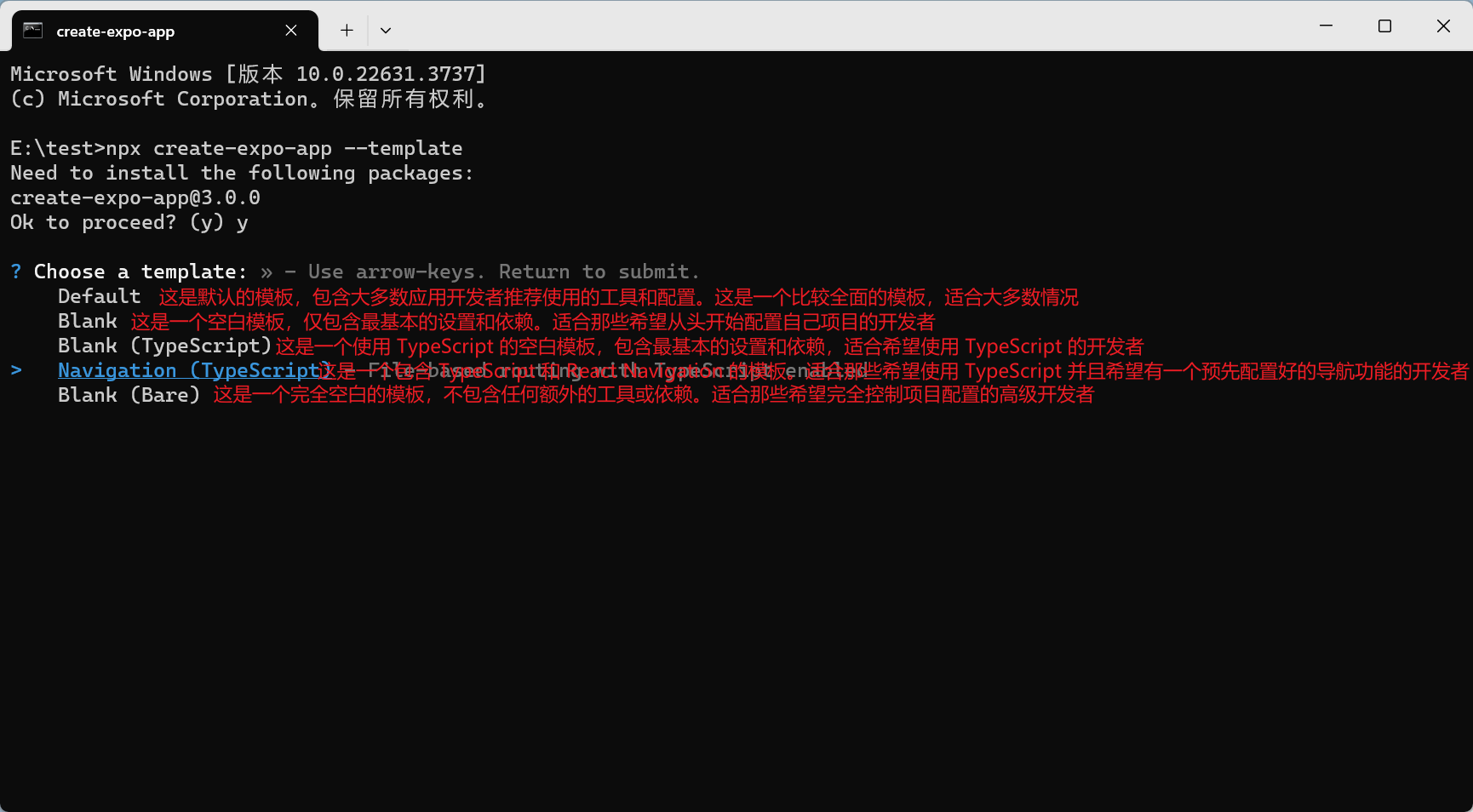
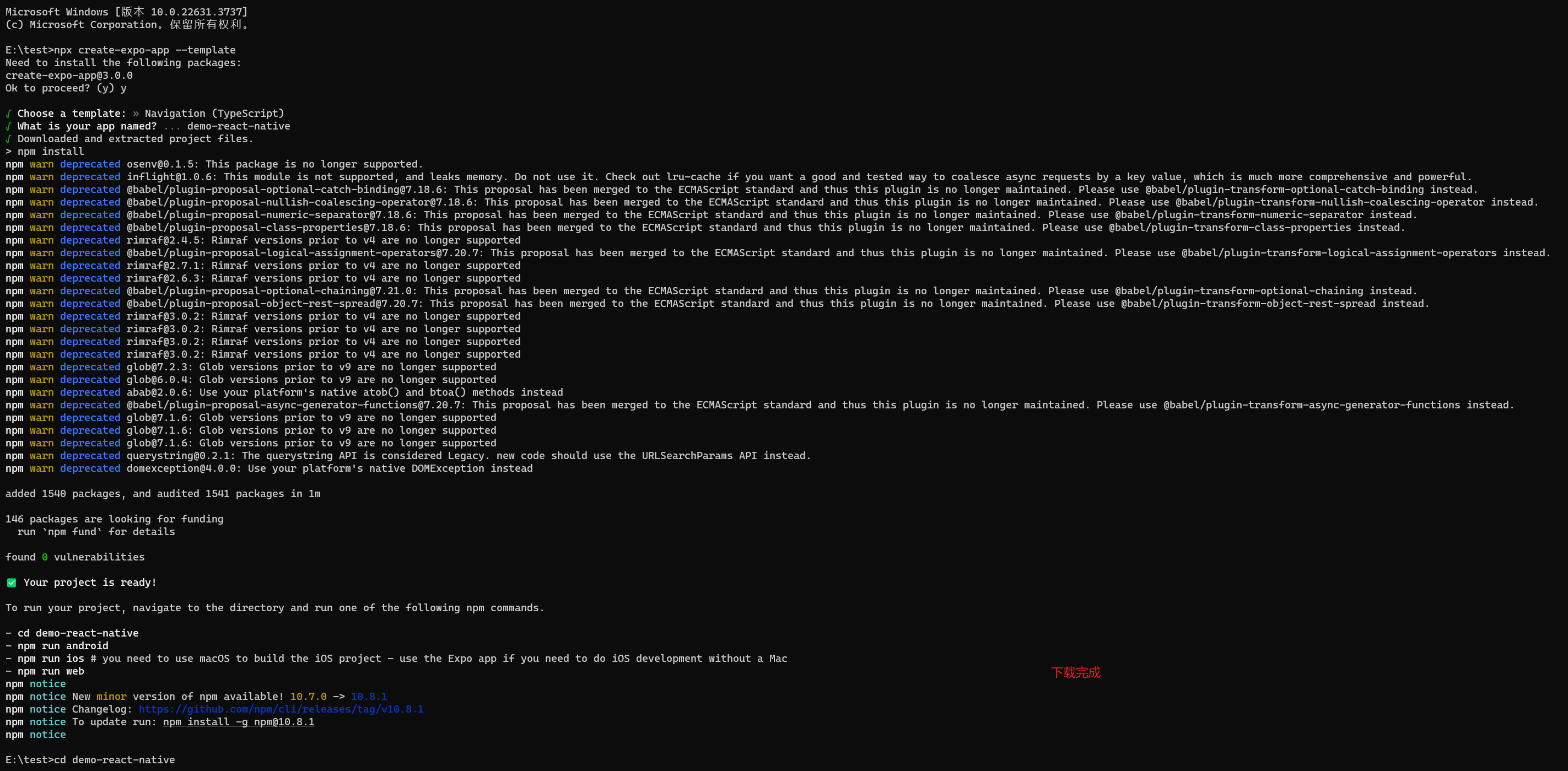
下面的可以废弃
执行 npx react-native@latest init Demo 时报:
Error: getaddrinfo ENOENT raw.githubusercontent.com
    at GetAddrInfoReqWrap.onlookup [as oncomplete]
的解决方法:
1)打开 vpn (推荐)
2)更换 DNS 服务器
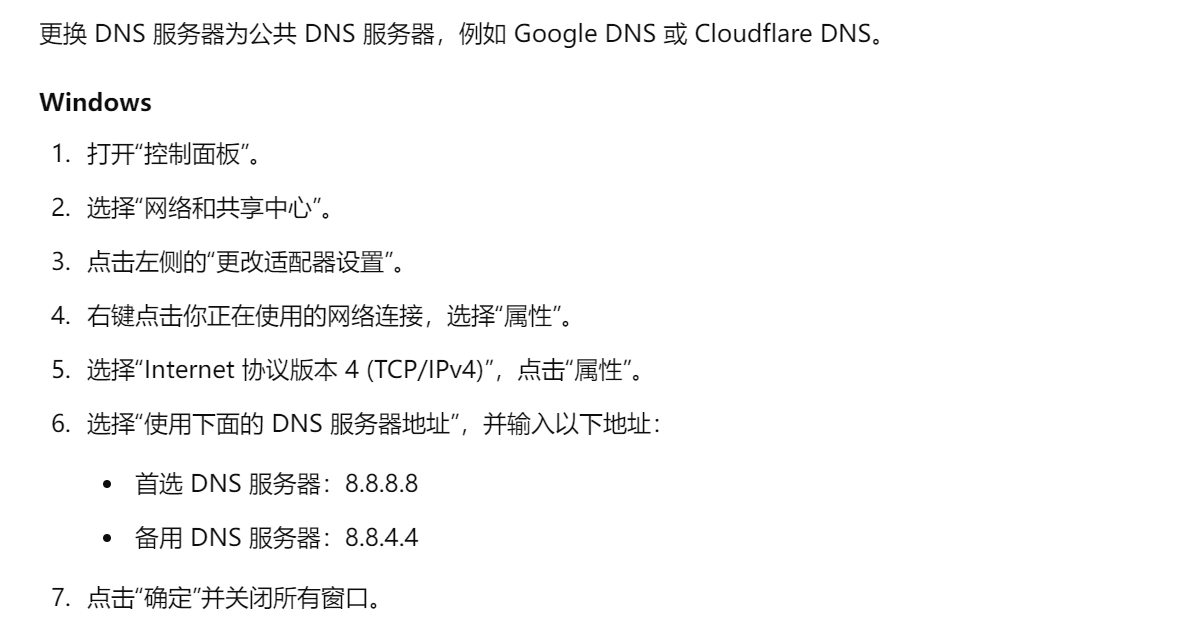
3)修改 hosts 文件
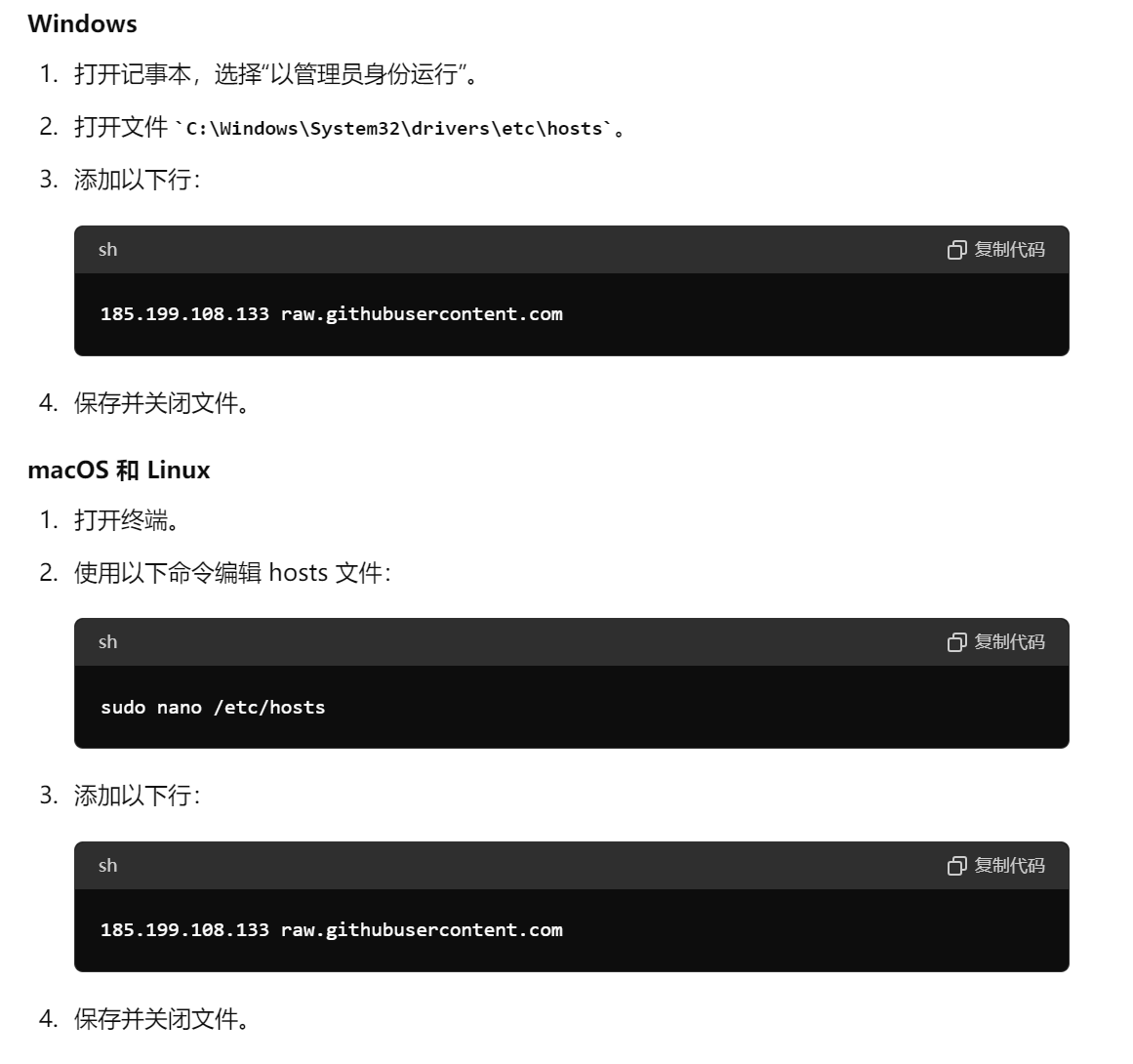
注:185.199.108.133 是根据 raw.githubusercontent.com 获取,获取方式如下:
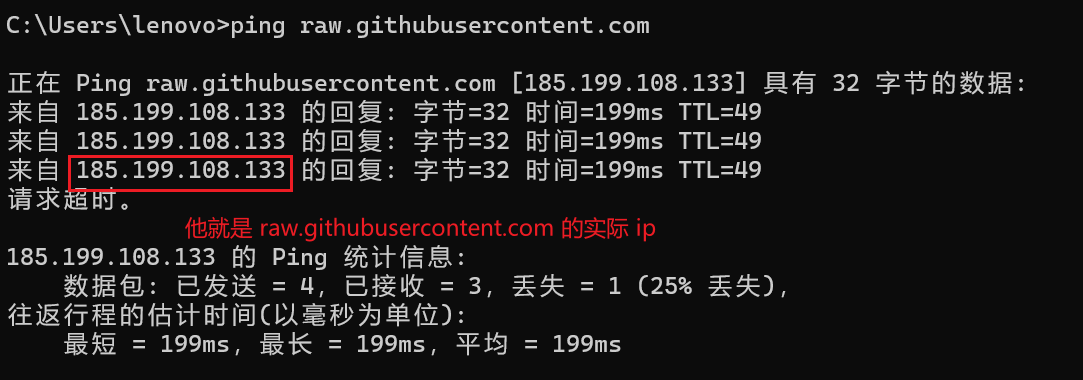
4)刷新 DNS 缓存
bash
# Windows

ipconfig /flushdns

# macOS

sudo dscacheutil -flushcache
sudo killall -HUP mDNSResponder
进行以上操作就可以下载 React Native。
2、运行
1)下载 Gradle 分包过慢
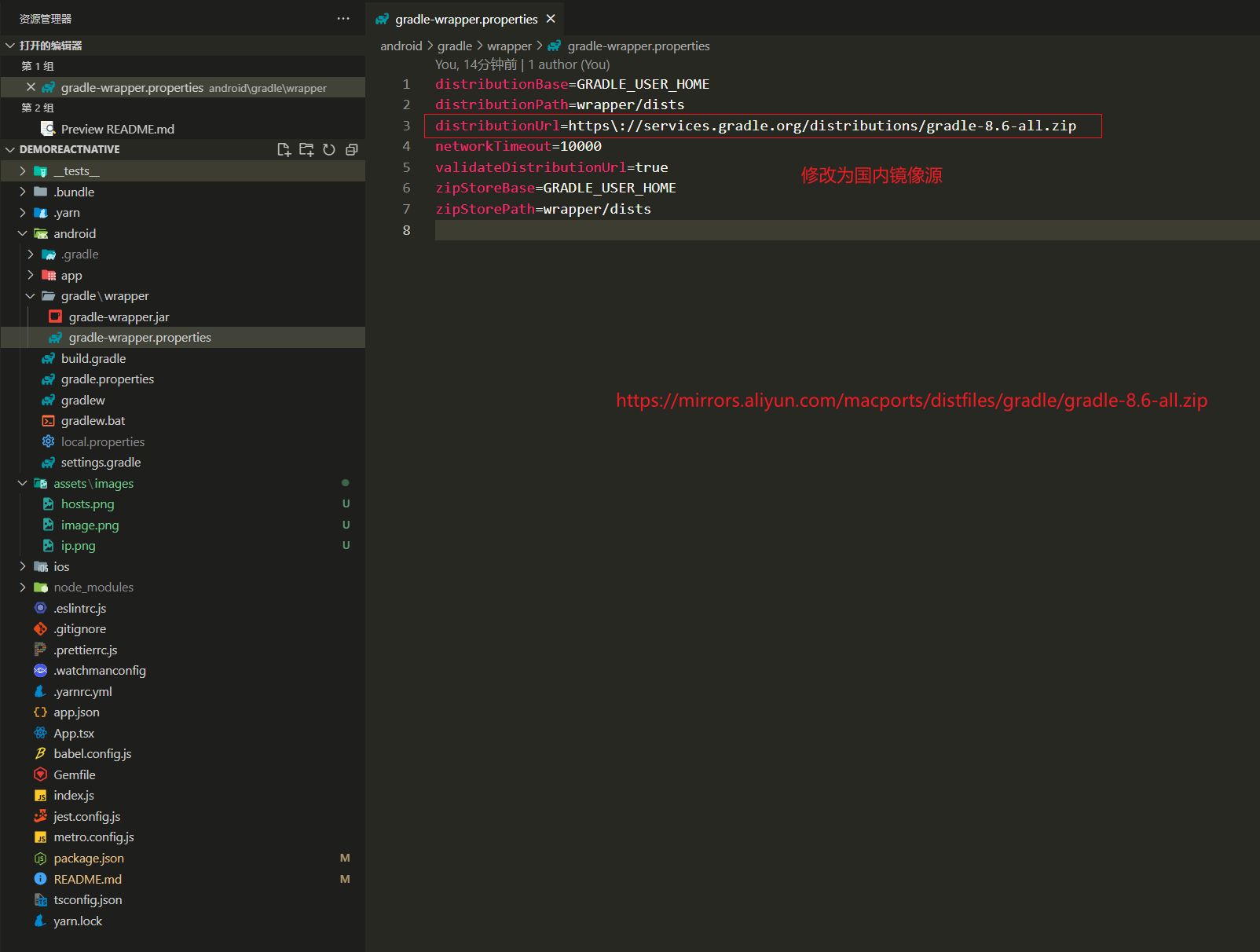
在 https://mirrors.aliyun.com/macports/distfiles/gradle/ 中找到相应的版本进行下载。
properties
# gradle-wrapper.properties

distributionBase=GRADLE_USER_HOME
distributionPath=wrapper/dists

# distributionUrl=https\://services.gradle.org/distributions/gradle-8.6-all.zip

# 国内镜像源
distributionUrl=https\://mirrors.aliyun.com/macports/distfiles/gradle/gradle-8.6-all.zip

networkTimeout=10000
validateDistributionUrl=true
zipStoreBase=GRADLE_USER_HOME
zipStorePath=wrapper/dists
2)然后在运行
bash
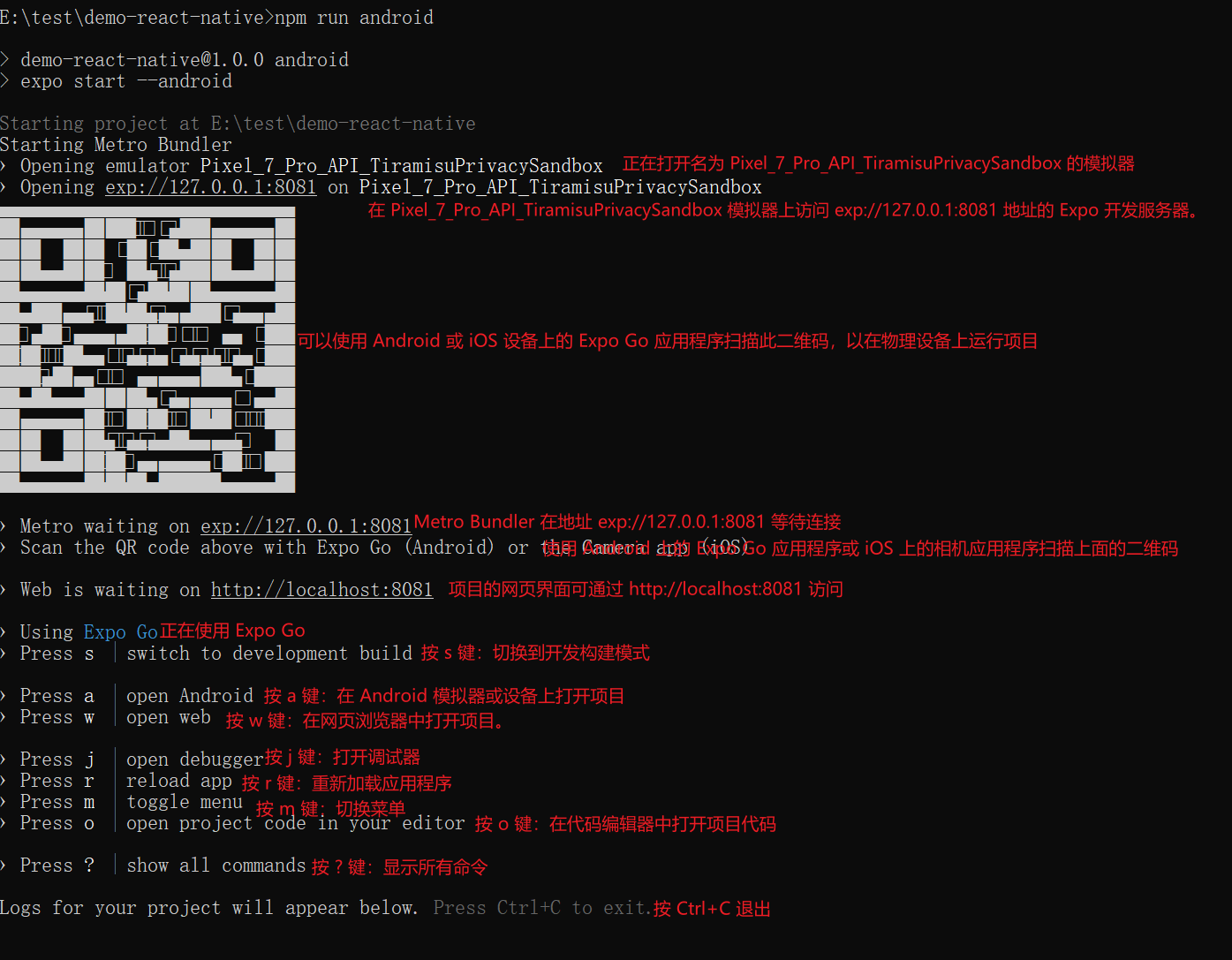
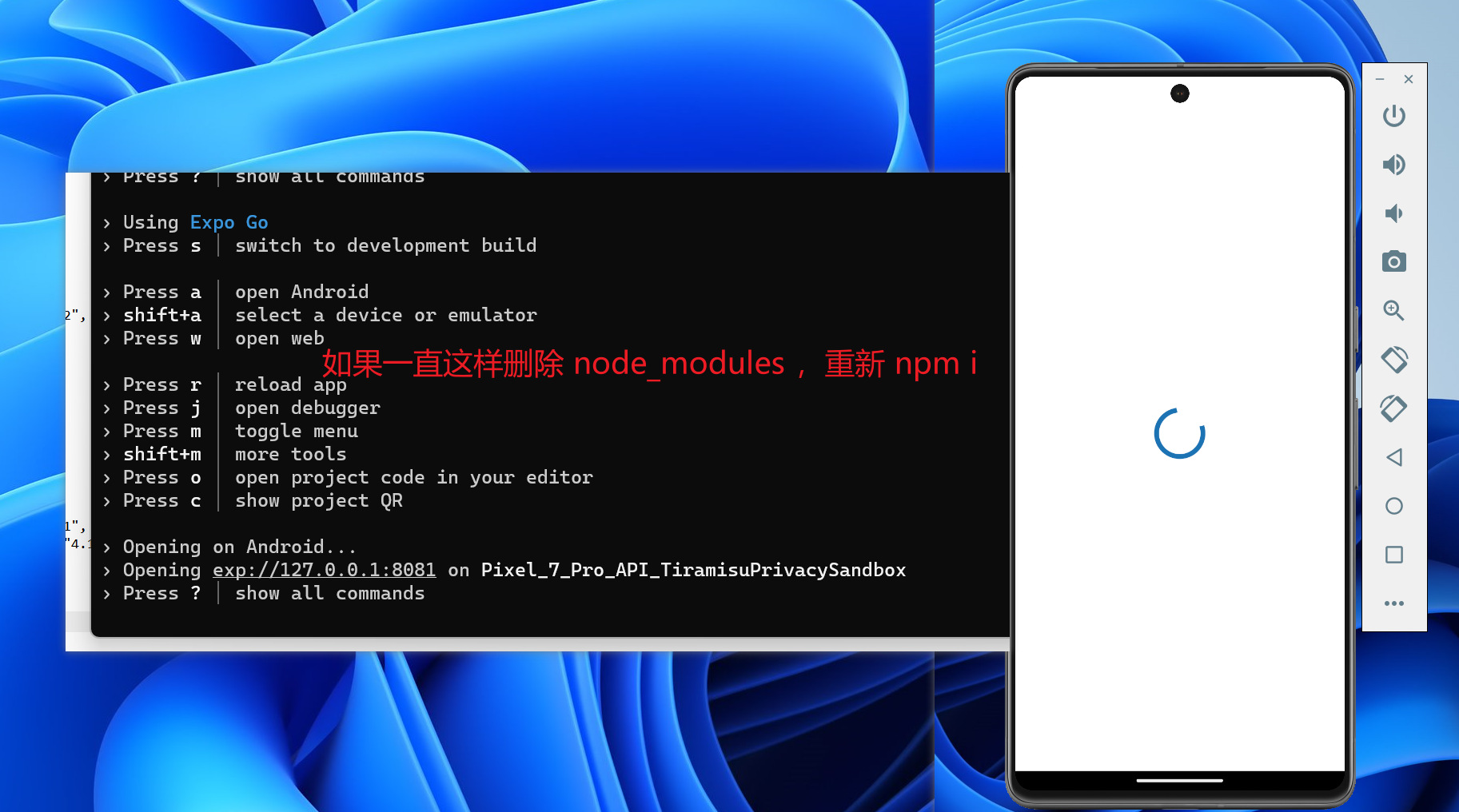
npm run android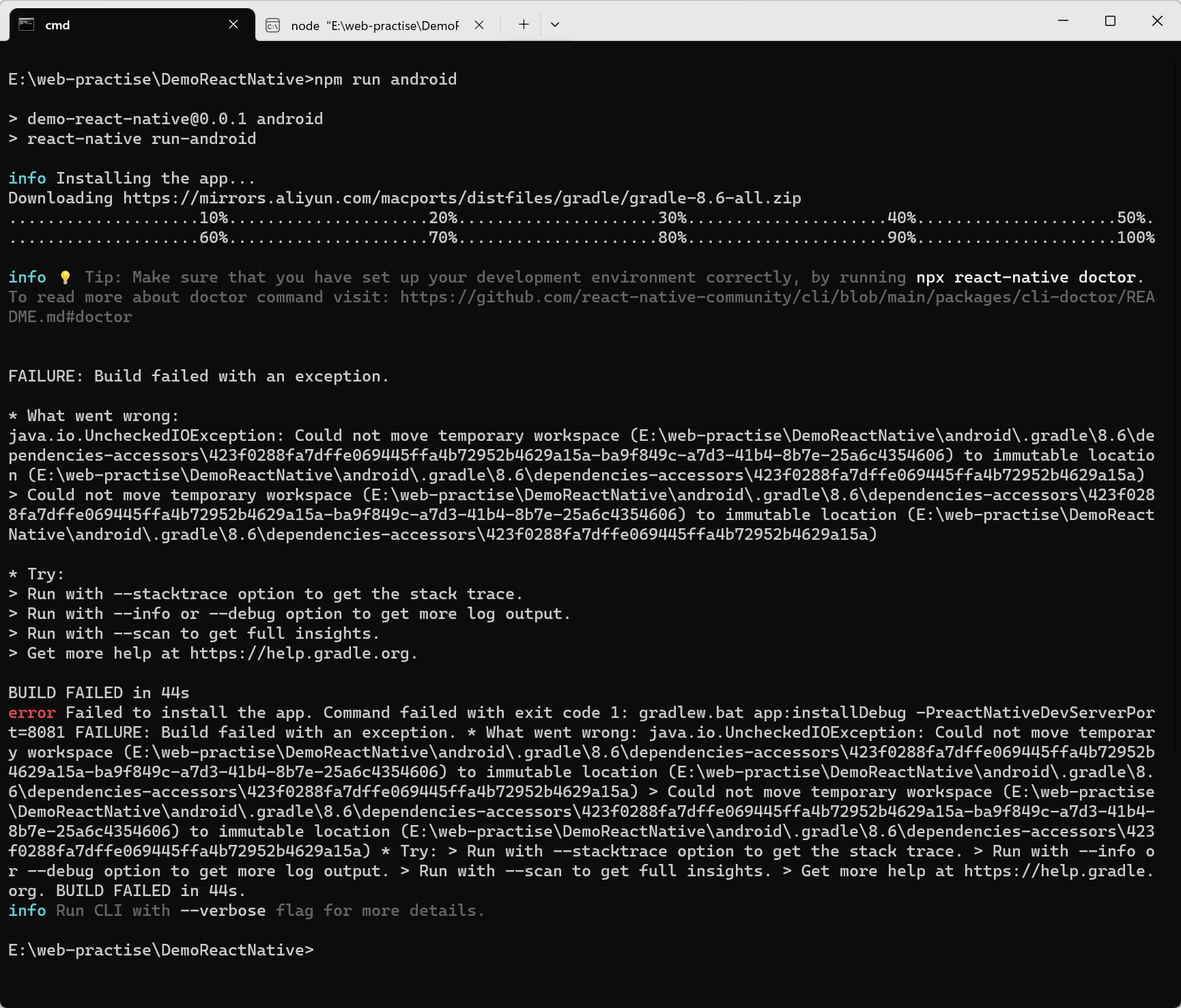
注:这个报错,是因为权限不足引起的,所以使用管理员运行 cmd。
如果还是一直报 gradle 这个错,尝试切换 gradle 版本。
二 、基础使用
1、路由
bash
npm install --save @react-navigation/native react-native-reanimated react-native-screens react-native-safe-area-context2、新建一个 tabs 界面
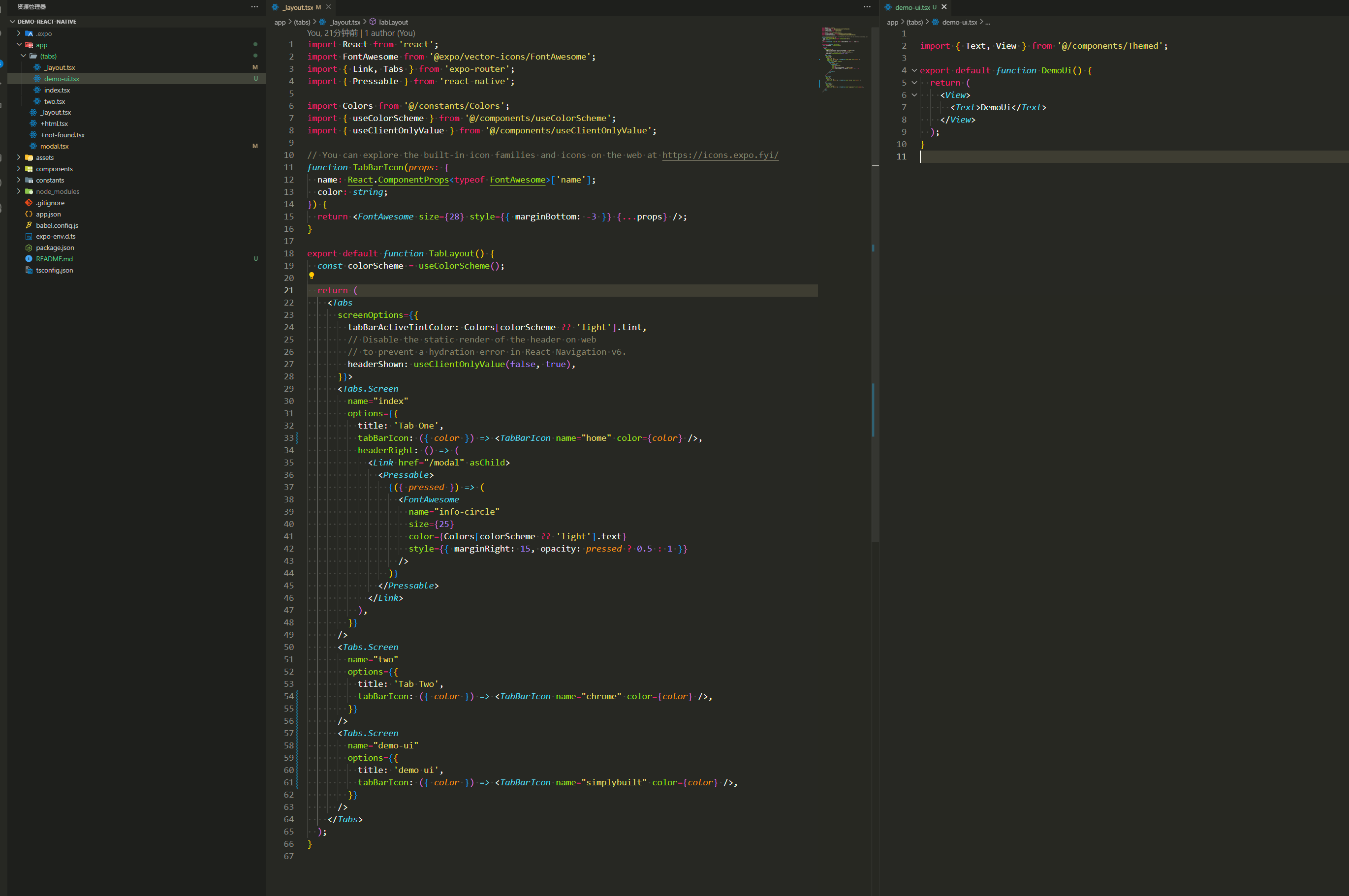
tsx
import React from 'react';
import FontAwesome from '@expo/vector-icons/FontAwesome';
import { Link, Tabs } from 'expo-router';
import { Pressable } from 'react-native';

import Colors from '@/constants/Colors';
import { useColorScheme } from '@/components/useColorScheme';
import { useClientOnlyValue } from '@/components/useClientOnlyValue';

// You can explore the built-in icon families and icons on the web at https://icons.expo.fyi/
function TabBarIcon(props: {
  name: React.ComponentProps<typeof FontAwesome>['name'];
  color: string;
}) {
  return <FontAwesome size={28} style={{ marginBottom: -3 }} {...props} />;
}

export default function TabLayout() {
  const colorScheme = useColorScheme();

  return (
    <Tabs
      screenOptions={{
        tabBarActiveTintColor: Colors[colorScheme ?? 'light'].tint,
        // Disable the static render of the header on web
        // to prevent a hydration error in React Navigation v6.
        headerShown: useClientOnlyValue(false, true),
      }}>
      <Tabs.Screen
        name="index"
        options={{
          title: 'Tab One',
          tabBarIcon: ({ color }) => <TabBarIcon name="home" color={color} />,
          headerRight: () => (
            <Link href="/modal" asChild>
              <Pressable>
                {({ pressed }) => (
                  <FontAwesome
                    name="info-circle"
                    size={25}
                    color={Colors[colorScheme ?? 'light'].text}
                    style={{ marginRight: 15, opacity: pressed ? 0.5 : 1 }}
                  />
                )}
              </Pressable>
            </Link>
          ),
        }}
      />
      <Tabs.Screen
        name="two"
        options={{
          title: 'Tab Two',
          tabBarIcon: ({ color }) => <TabBarIcon name="chrome" color={color} />,
        }}
      />

      <Tabs.Screen
        name="demo-ui"
        options={{
          title: 'demo ui',
          tabBarIcon: ({ color }) => <TabBarIcon name="simplybuilt" color={color} />,
        }}
      />
    </Tabs>
  );
}其余的属性,根据官网在进行探索。