
Proxy
一、Whistle
1、下载
bash
npm i -g whistle2、启动
bash
w2 start
# 重启
w2 restart
# 暂停
w2 stop
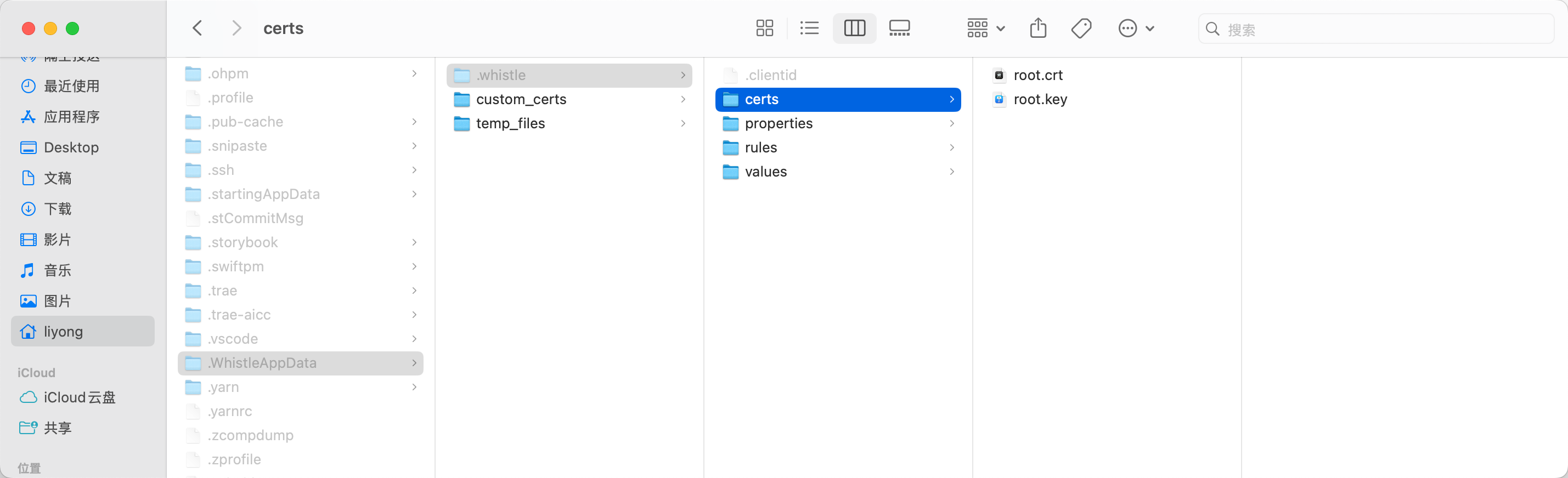
3、下载证书
bash
# 这样下载后,不需要手动安装
w2 ca
注:先启动,才能下载证书。
4、使用
1)打开
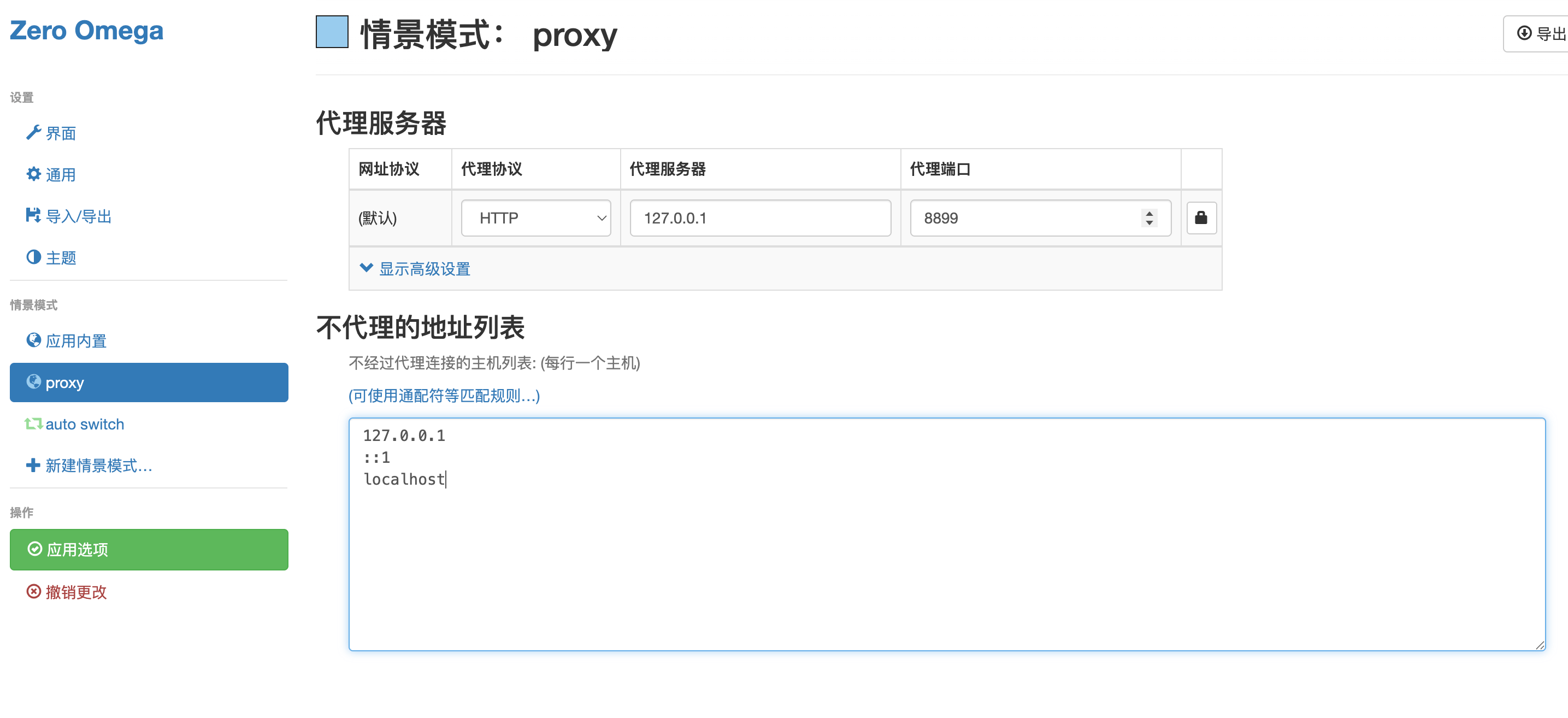
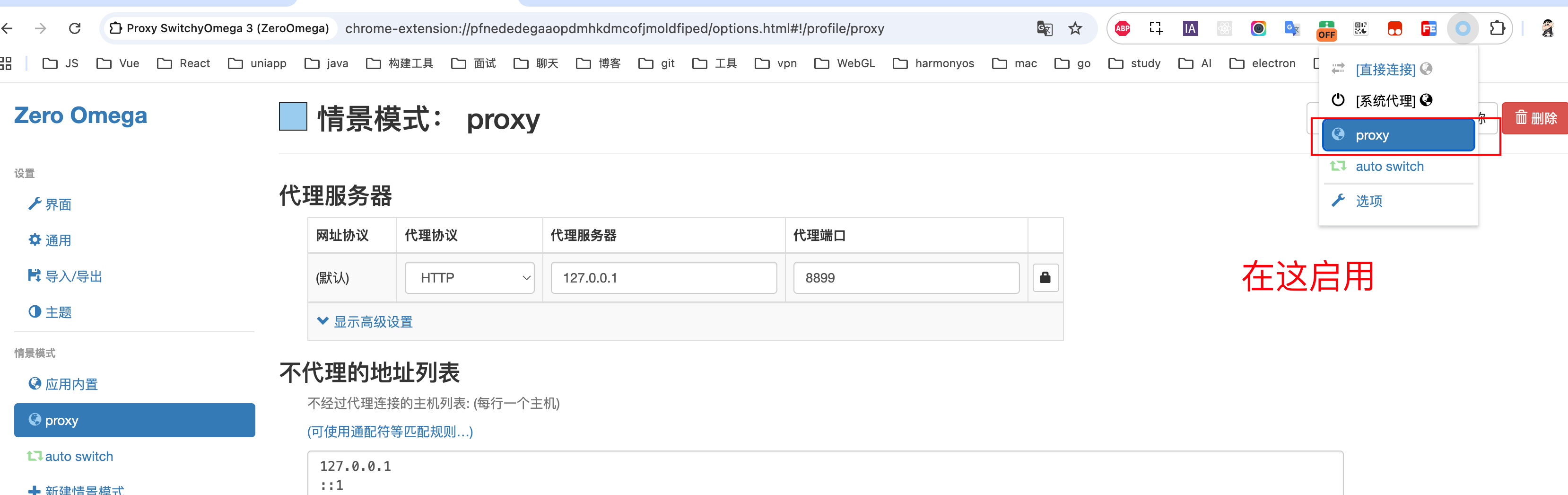
2)配置插件
服务写 127.0.0.1,端口写 w2 start 启动的端口号。
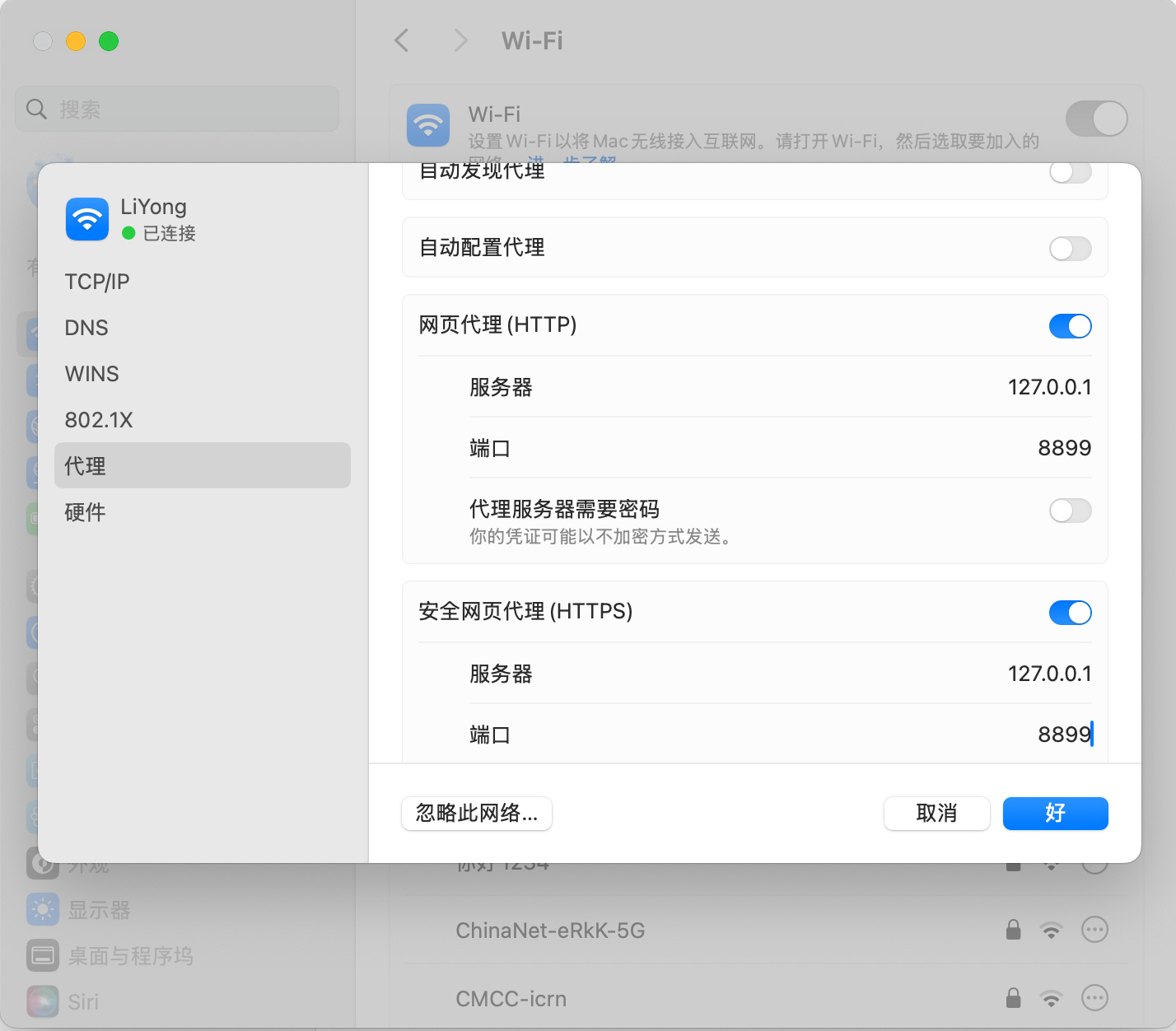
3)系统设置
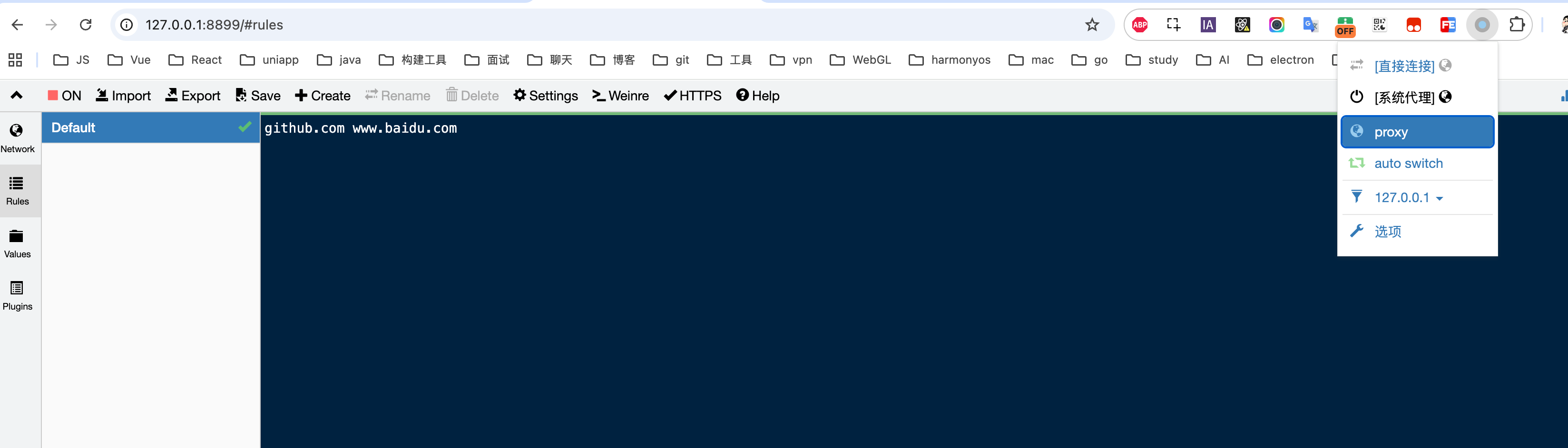
4)配置代理规则
例:
打开 https://github.com/ 时,重定向到 <www.baidu.com>
5)Vite 热更新保留配置
1️⃣ vite.config.mts 中配置
js
  server: {
    // 代理 ws
    hmr: {
      host: 'localhost',
      protocol: 'ws',
      port: 5173,
    }
  },
2️⃣ 修改 Whistle 规则配置
注:注意端口号对应关系
https://test.xxx.com/ http://localhost:8087/


# 透传 Vite HMR 的 WebSocket 请求
wss://localhost:8087 ws://localhost:5173
ws://localhost:8087 ws://localhost:5173