
服务器的基本使用
1、mac 连接阿里云服务器
1)连接
bash
liyong@LiYong-2 ~ % ssh root@xx.xx.xx.xx
# 服务器对公ip
首次连接:输入 yes 并回车,确认信任服务器
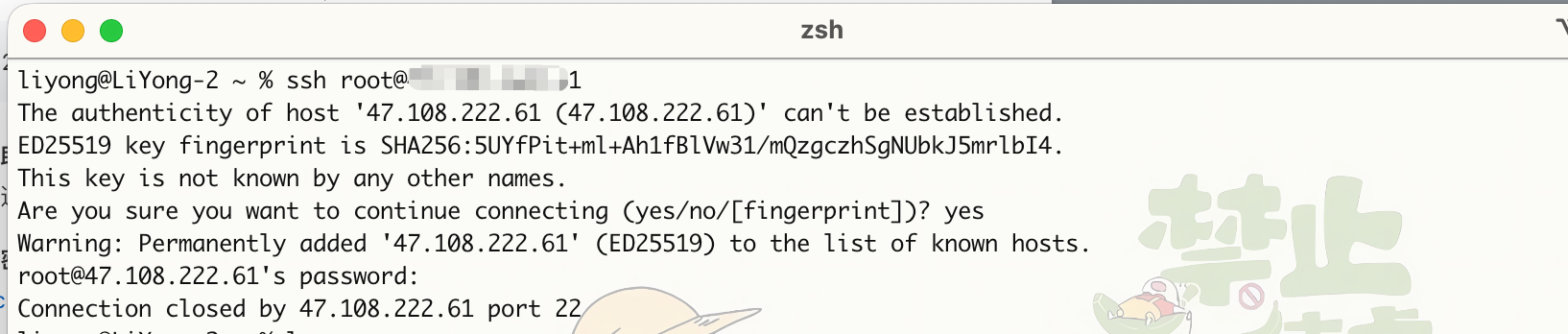
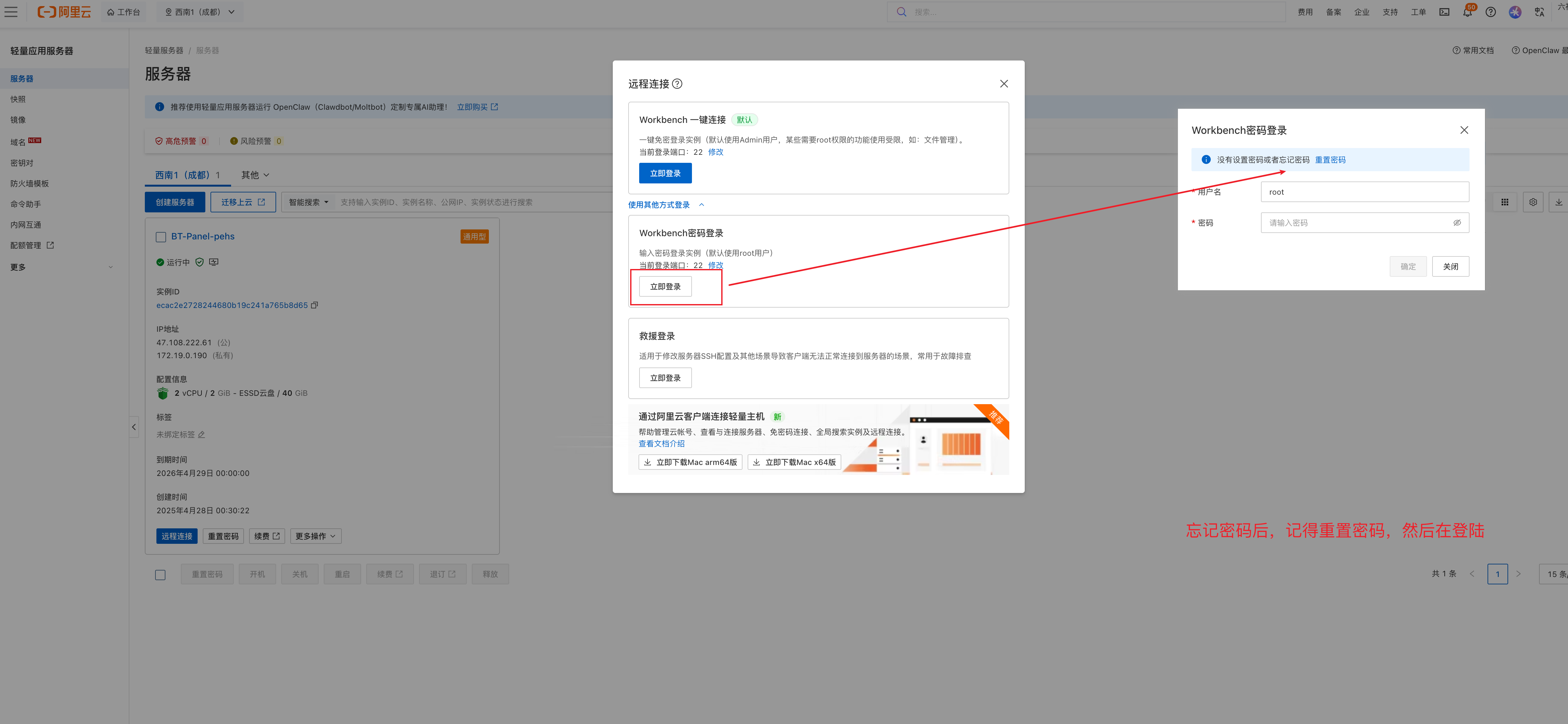
出现上面的错误,需要秋改密码
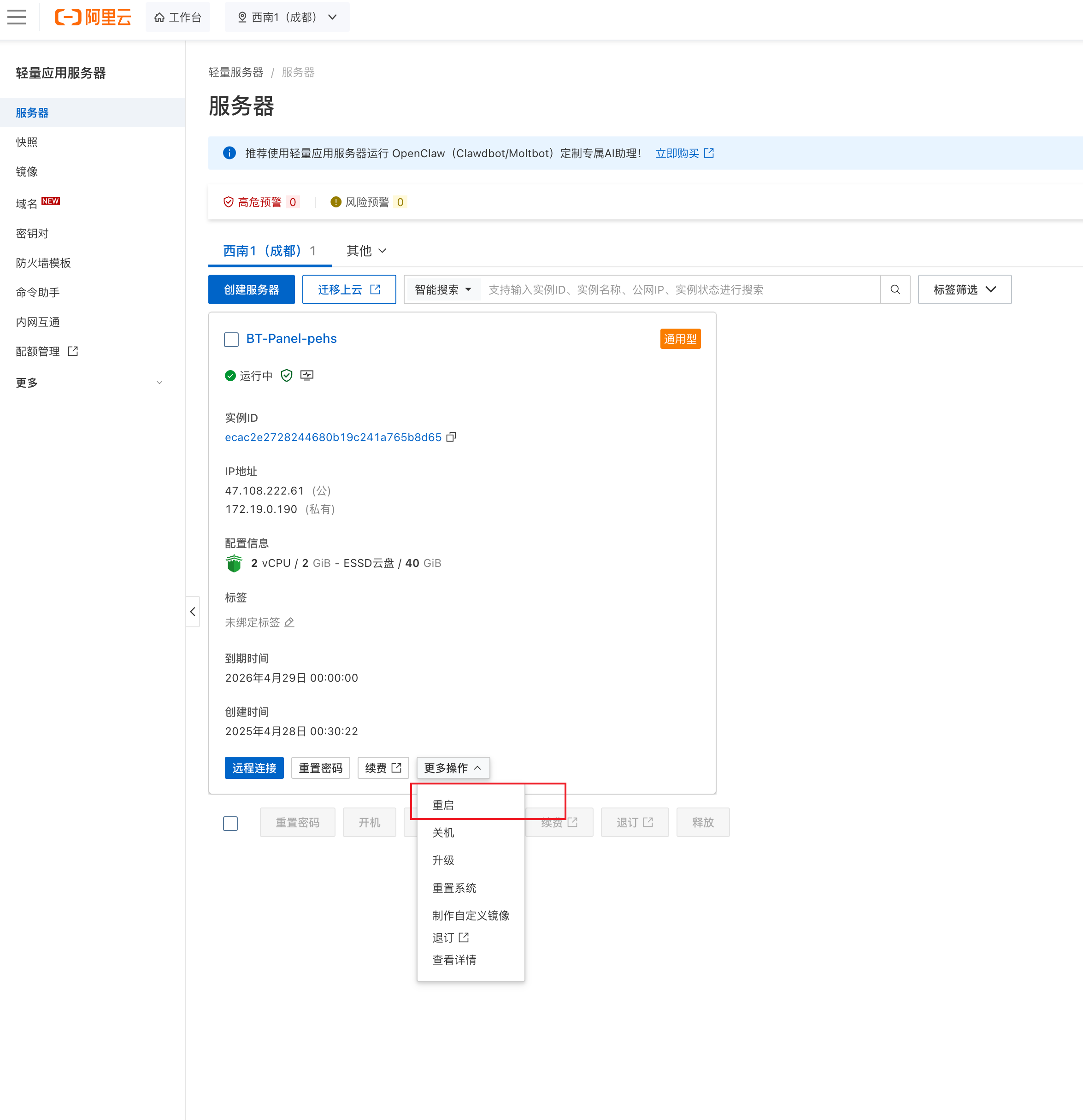
修完完密码后,重启服务
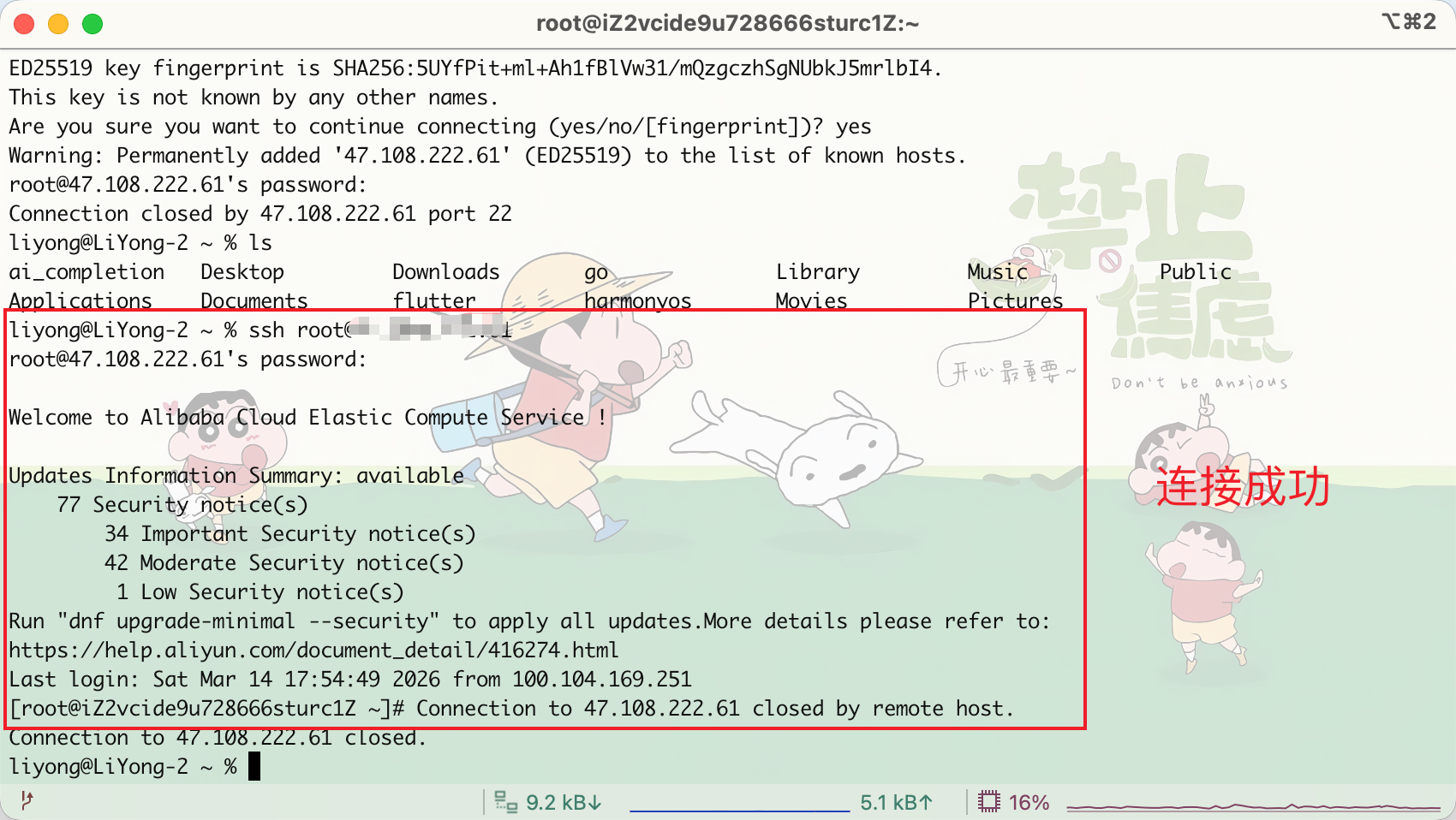
2)增加连接时间
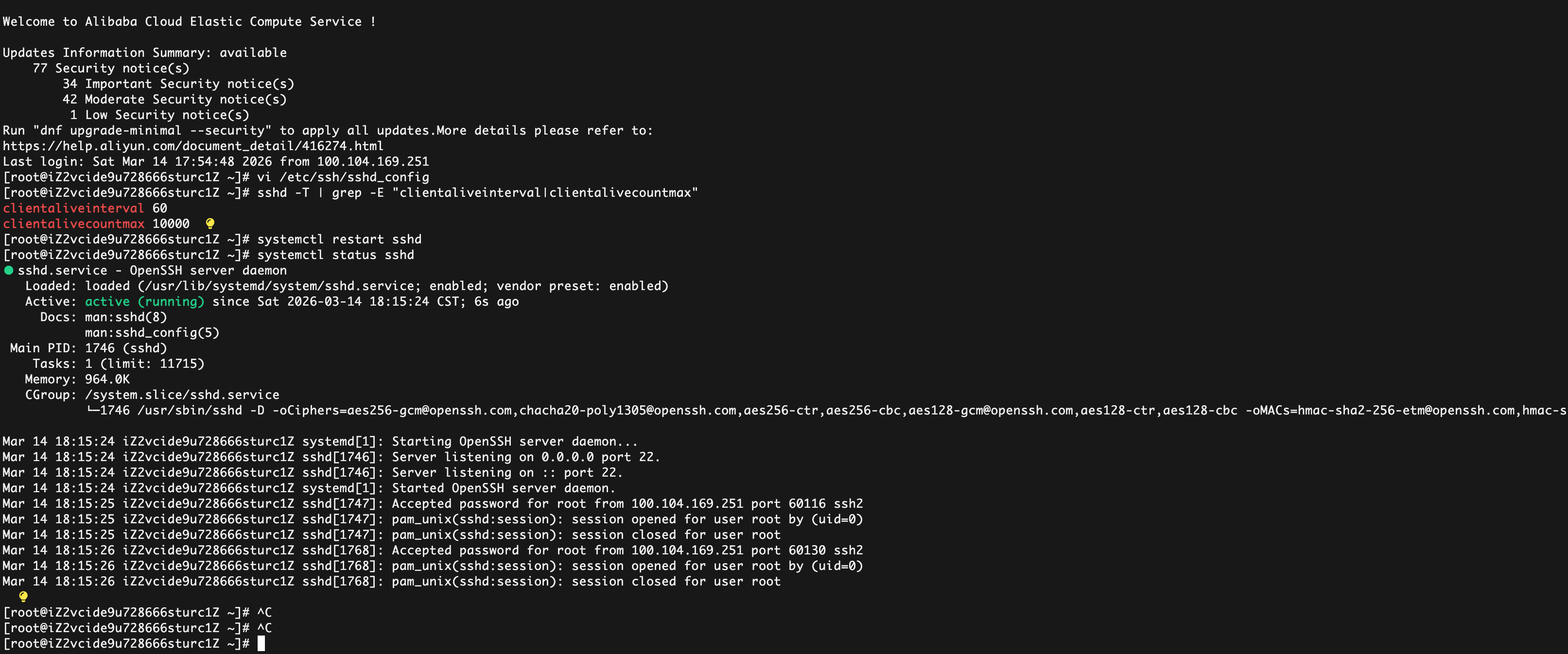
bash
# 1. 编辑 SSH 配置文件
vi /etc/ssh/sshd_config

# 2. 找到以下配置项,修改/添加(没有就新增):
ClientAliveInterval 60    # 每60秒向客户端发送一次心跳
ClientAliveCountMax 10000    # 心跳失败10000次后才断开(约6.94天)
# 注释掉或删除:# TimeoutIdle 0(如果有)

# 推荐
# ClientAliveInterval 60      # 每60秒发1次心跳(检测更及时)
# ClientAliveCountMax 120     # 累计120次失败 → 60×120=7200秒=2小时

# 3. 保存退出 vi(按 Esc → 输入 :wq → 回车)

# 4. 重启 SSH 服务使配置生效
systemctl restart sshd
3)推出
bash
exit  # 最常用、最通用的退出命令
# 或
logout  # 效果和exit完全一致
执行后终端会显示:
tex
logout
Connection to 47.108.222.61 closed.