
Flutter
一、环境
1、下载
bash
sudo softwareupdate --install-rosetta --agree-to-license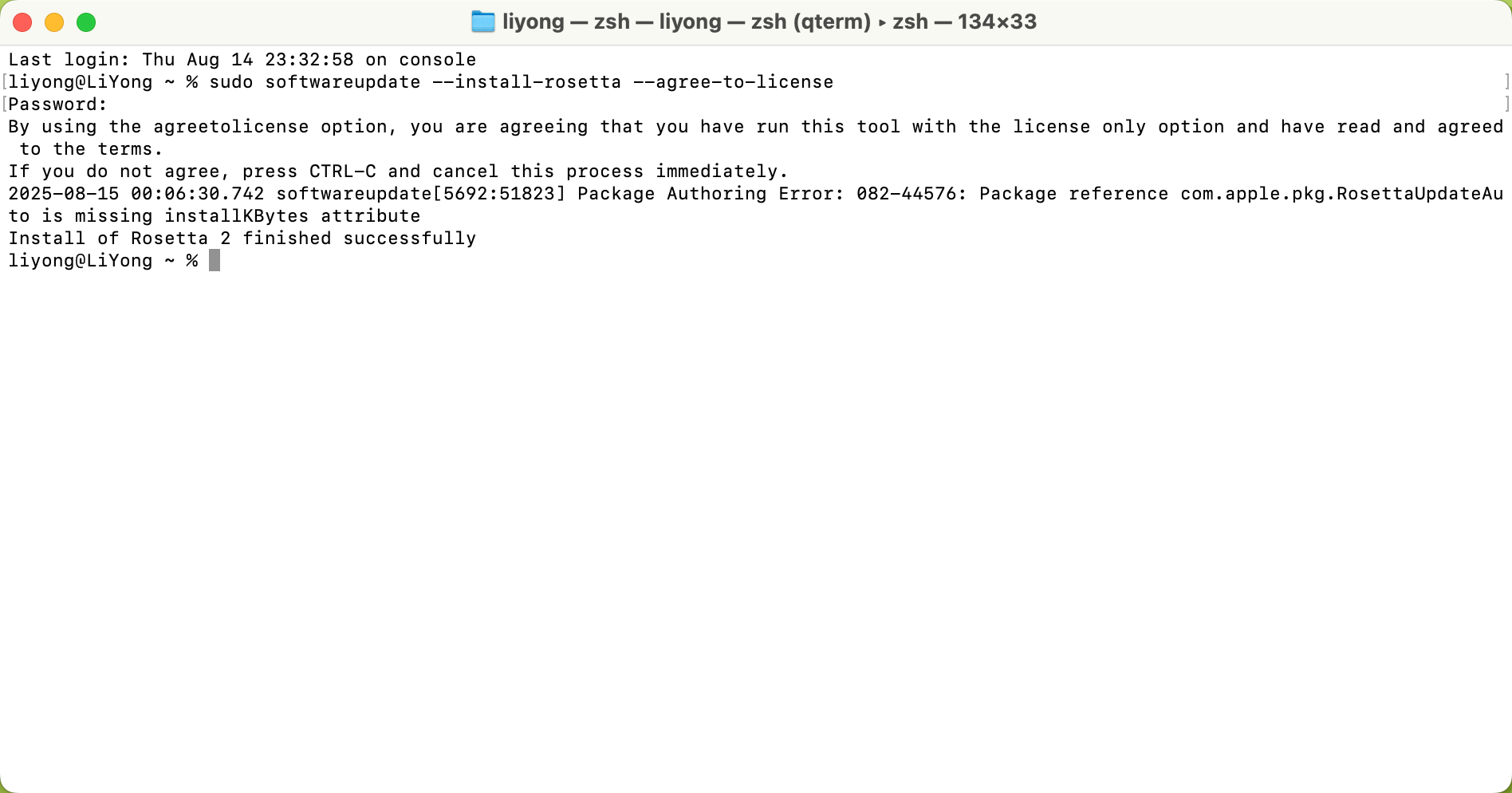
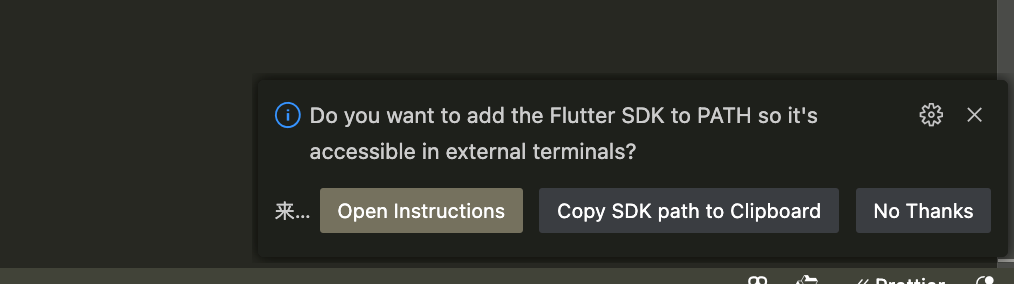
2、vsc 插件安装
bash
/Users/liyong/flutter/flutter下载完成后,配置环境变量
bash
# 下载 flutter 到自己指定的位置
echo 'export PATH="$PATH:/Users/yida/flutter/flutter/bin"' >> ~/.zshrc

# 重启
source ~/.zshrc

# 检测
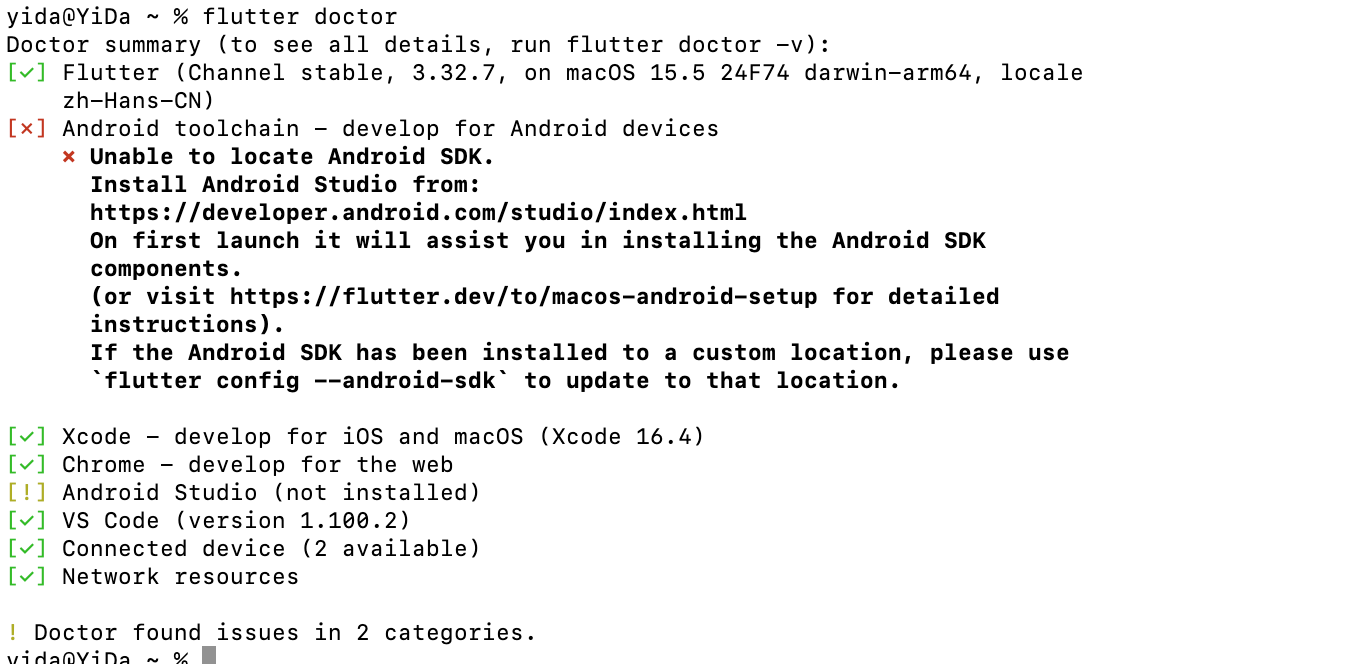
flutter doctor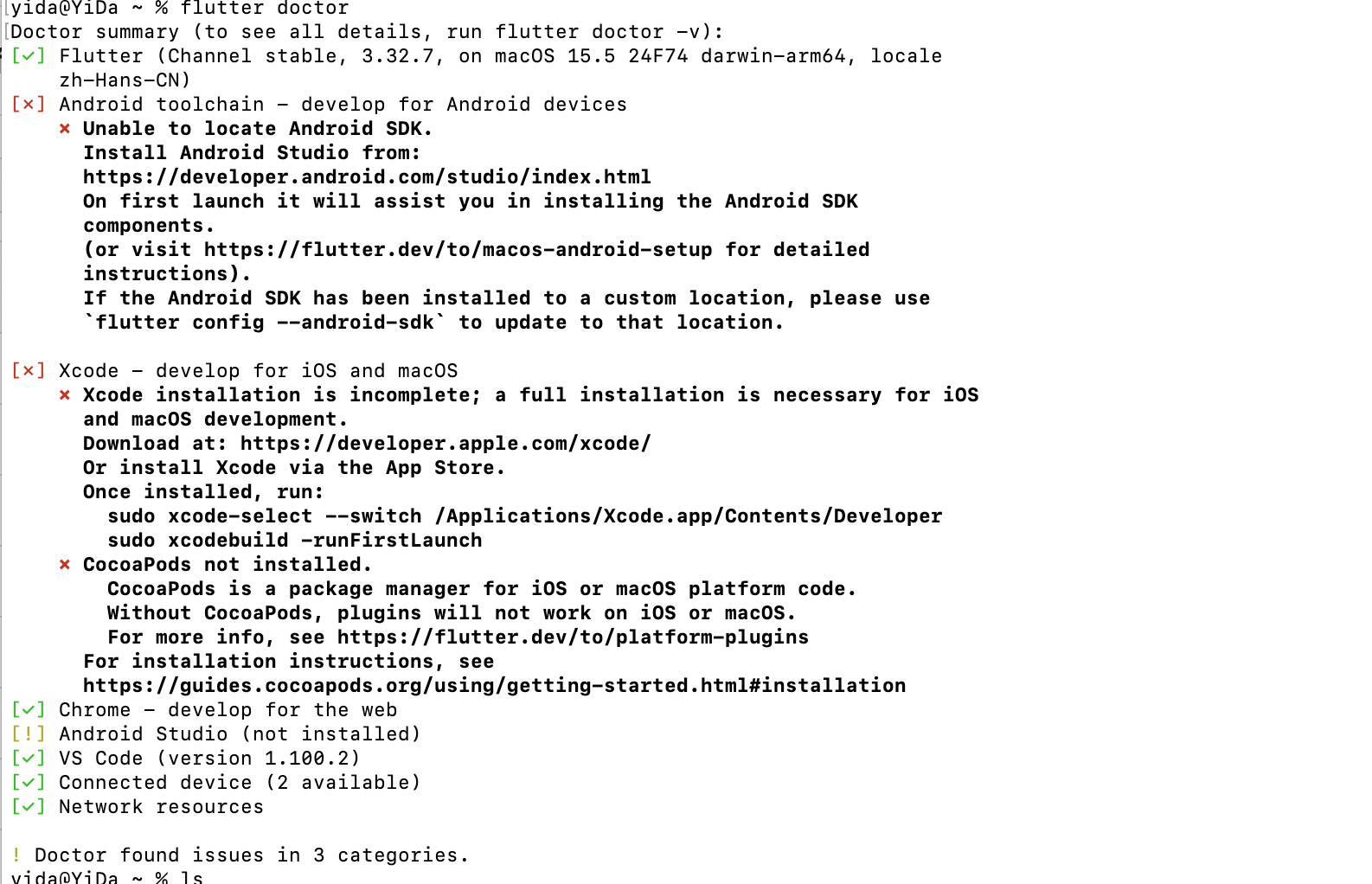
提示有错的处理
bash
# 运行和这个就可以(找到运行位置)
sudo xcode-select --switch /Applications/Xcode.app/Contents/Developer

sudo xcodebuild -runFirstLaunch

# 更具指令进行下一步操作
sudo xcodebuild -license

brew install cocoapods

# 下面的安装可以忽略了

# 下载没有反应时,也许需要 ruby,下载指令为:brew install ruby
# 使用 ruby 运行指令
#   echo 'export PATH="/opt/homebrew/opt/ruby/bin:$PATH"' >> ~/.zshrc

# 编译依赖 Ruby 的软件 / 库
#   echo 'export LDFLAGS="-L/opt/homebrew/opt/ruby/lib"' >> ~/.zshrc
#   echo 'export CPPFLAGS="-I/opt/homebrew/opt/ruby/include"' >> ~/.zshrc
# 配置完必须重启
# source ~/.zshrc

# brew install cocoapods 推荐使用 brew 安装 cocoapods
sudo gem install cocoapods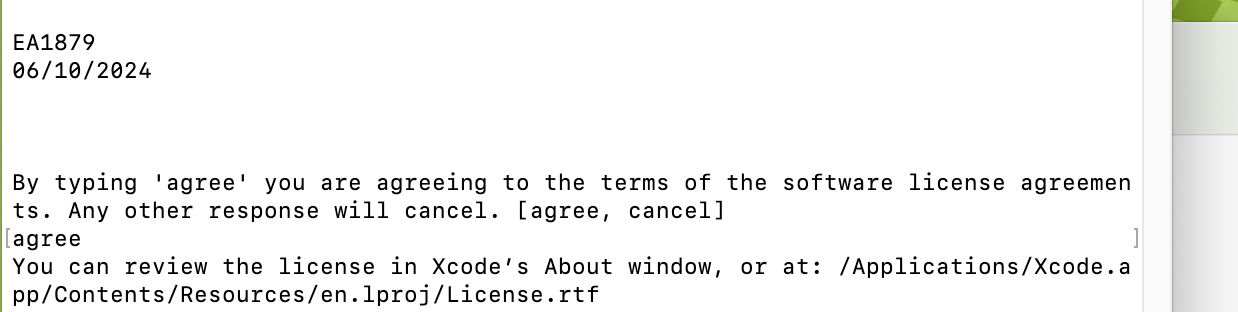
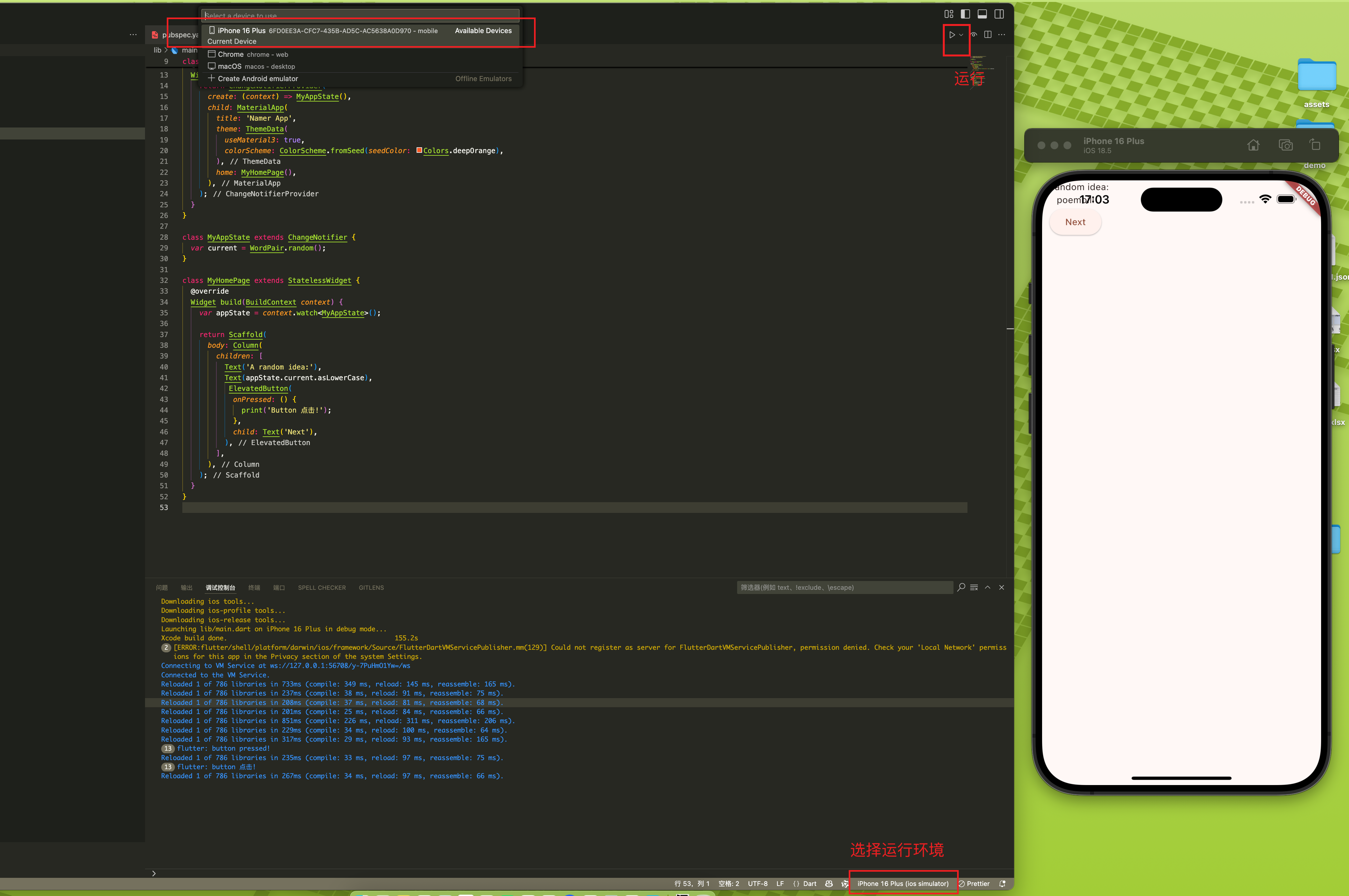
3、构建第一个 demo
bash
# 从 Git 上拉取后,下载依赖
flutter pub get